
 Bridging the gap between what you know and what you can find
Turn scattered knowledge
into actionable intelligence
Turn information into intelligence with AI-powered Deep Dive analysis. Uncover hidden insights and turn raw knowledge into strategic assets.
Deep Dive and go beyond Q&A with actionable insights and recommendations to make informed decisions backed by AI-powered analysis of your organisation's knowledge.
New ways to work with your knowledge
We ship constantly. Here are some of the capabilities we have built recently to turn your documents into something your whole team can use.
Knowledge Graph
See how your documents, people and topics connect. We extract entities with AI and draw a live, force-directed map of your knowledge so hidden relationships become obvious.
AI Deep Dive & Document Actions
Go beyond search. Summarise, analyse, extract, decide and draft across whole sets of documents, with an action palette and audience-aware output tailored to the question you are asking.
Compliance & Document Watch
Track laws and obligations, link the documents each one affects and auto-raise reviews when things change. Document Watch flags exactly which pages need updating after a change ships.
Taxonomy & Tagging
Organise everything with a faceted taxonomy: tree navigation, filter chips and term-scoped AI retrieval that keeps answers precise and on-topic.
Connectors
Import and sync knowledge from Notion, SharePoint, WordPress and iManage, with intelligent deduplication and asset rehosting, into one searchable hub.
Version Control
Full per-document version history across your knowledge base and internal docs. Compare changes and restore any previous version in a click.
Enterprise Security
Two-factor authentication, complete audit logging, SSO and granular role-based access control to keep sensitive knowledge locked down.
Localisation
Pricing follows the visitor’s region automatically, with regional currency and English. No manual switching required.

Features
Everything you need to manage your knowledge
A complete platform for documentation, community and team knowledge management.
Create, organise and keep your information up to date with powerful AI assistance, real-time collaboration and enterprise-grade security.
Rich Documentation Editor
Create beautiful, structured documentation with our powerful block-based editor. Organise content with nested pages, real-time collaboration, version control and instant search across all your knowledge.
Updated 2 hours ago
AI-Powered Assistant
Generate documentation from prompts, videos and screenshots. Ask questions and get instant answers from your knowledge base. EU-compliant AI with advanced RAG retrieval, keeping your data secure.
Real-Time Collaboration
Work together seamlessly with live editing, comments, mentions and notifications. See who is viewing and editing in real-time with presence indicators.
Multi-Tenant & White-Label
Complete customisation for each workspace. Custom domains, branded colours, logos and subdomain routing – perfect for agencies and SaaS platforms.

Enterprise-Grade Performance & Security
Lightning-fast performance with sub-100ms response times on a global edge network. Enterprise ready and working towards SOC2, ISO 27001 and GDPR adherence, role-based access control and audit logs.
Edge Network
200+ locations
Security
Working towards SOC2, ISO 27001 & GDPR
Uptime
99.99% SLA

Internal Document Management
Keep your team's collective intelligence organised and accessible. Centralise documentation, processes and institutional knowledge in one searchable hub. Enable quick onboarding and ensure critical information is never lost.
Instant search
Knowledge preservation
Team access controls
Knowledge connections
Deep Dive into your knowledge
Get answers fast
Knowledge Management
TyneBase keeps your knowledge management simple
Built-in tools to keep your documentation accurate, organised and up-to-date.
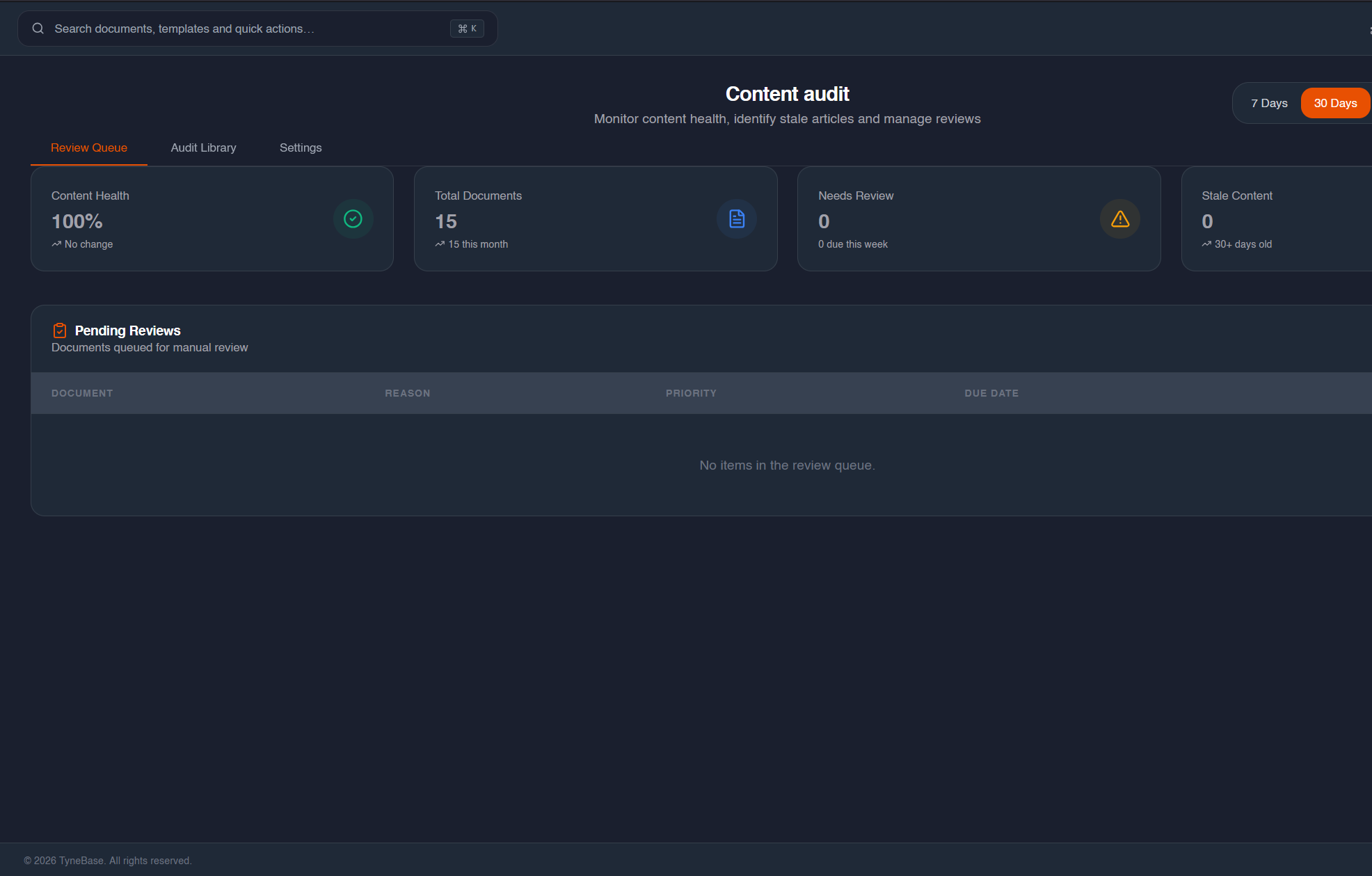
Document verification with automated reminders
Keep your knowledge base accurate with scheduled review cycles and expiry alerts.
Bulk operations for knowledge management
Move, archive or update multiple documents at once with powerful batch actions.
AI-suggested actions to maintain quality
Get intelligent recommendations to improve outdated or incomplete documentation.
Ownership transfer when team members leave
Seamlessly reassign document ownership to maintain accountability.
Templates
Templates that benefit every team
Get started quickly with templates for your team's frequently used resources
API Documentation
Document your REST or GraphQL APIs
Architecture Decision Records
Track technical decisions
Runbook Template
Incident response procedures
Onboarding Guide
New developer setup
AI-Powered Search
Ensuring your knowledge is accessible, searchable and usable
Ask transforms scattered knowledge into instant answers, delivering the right information in seconds.
TyneBase AI Assistant
To set up Single Sign-On (SSO) for your organization:
- 1. Navigate to Settings → Security → SSO Configuration
- 2. Select your identity provider (Okta, Azure AD or Google Workspace)
- 3. Enter your Entity ID and SSO URL from your IdP
- 4. Upload your SAML certificate and save changes
Sources: SSO Configuration Guide, Admin Settings Documentation
Enterprise
We scale with your ambitions
Enterprise-grade security, control and flexibility enabling scaled knowledge-sharing with confidence.
Google OAuth Integration
Enable secure, seamless access through Google accounts with OAuth 2.0 authentication.
Workspace Role-Based Access
Control access with workspace-level roles (Admin, Editor, Viewer, Community Contributor, Community Admin) and flexible permission management.
Reader-Only Roles
Share knowledge broadly while maintaining control by assigning read-only viewer access to team members.
Complete Audit Logging
Maintain accountability with comprehensive audit trails tracking all document access, modifications and user actions.
Knowledge Rescue & Import
Import knowledge from multiple sources with intelligent deduplication and asset rehosting. Notion and GitHub connectors coming soon.
AI-Powered Deep Dive
Advanced knowledge discovery and AI-generated insights powered by Claude with intelligent analysis. Expanded features coming soon.
Usage Analytics
Track core usage metrics including document counts, team activity and content health to measure knowledge base effectiveness.
Data Backups
Automated backups and data protection powered by Supabase infrastructure with version history and restore capabilities.
Document Templates
Accelerate knowledge creation with pre-built document templates for common documentation patterns and workflows.
Review & Approval
Template approval workflows for public sharing and document review scheduling for audit and quality assurance.
AI-Enhanced Drafts
Generate and enhance documentation with Claude, Deepseek or Gemini AI models with safety-focused processing.
Community Knowledge Sharing
Enable team members to contribute and share knowledge across your workspace with role-based access controls.

Pricing
Start free and scale as you grow
No hidden fees. No credit card required.
Free
- 1 solo account
- 100 documents max
- 10 AI credits per month
- Basic search
- Community support
Base
- Up to 3 users
- Unlimited documents
- 1GB Storage limit
- 100 AI credits per month
- Full AI capabilities
- Version control
- Custom domain
Pro
- Up to 5 users
- Unlimited documents
- 10GB Storage limit
- 500 AI credits per month
- White-label branding
- Advanced analytics
- Custom domain
- Priority support
- Audit logs
Enterprise
Contact Sales
- All Pro features
- Custom user allowance
- Unlimited Documents
- Dedicated support
- Custom integrations
- SLA guarantee
- On-premise option
- Rollover credits
Managed Service
Contact Sales
- All Pro features
- Documentation written and managed
- Knowledge base managed
- Internal documentation managed
- Community managed
- Templates managed
Need more credits?
Purchase credit top-ups anytime. Never run out of AI power for your team.Available for Base, Pro & Enterprise plans. Credits expire at month end.
£10
100 Credits
£40
500 Credits
£70
1000 Credits
Document Editor
The editor that supports you
A smooth writing experience. Fast, flexible and packed with features that makes documentation a joy, not a chore.
Just the right formatting
Beyond words
Use images, videos, embeds and hundreds of integrations to get ideas across clearly.
Built for teams
Write together with your team and see changes instantly
Type in Markdown and export to .md anytime
Travel back in time and restore any version
Getting started with TyneBase
Welcome to your new knowledge base. This guide will help you get up and running in minutes.
Quick start
- Create your first document
- Invite team members
- Set up your workspace branding
/ to access quick commands and insert blocks instantly.